
Goofy Ahh Images Generator — Turn Any Silly Idea into a Goofy AI Image
A goofy ahh images generator is an AI tool that turns a short text prompt into a deliberately silly, exaggerated image — usually a character doing something absurd, in a bright cartoon style. You describe the joke, the model draws it, and you get a shareable image in seconds.
Six goofy ahh images, ready to remix
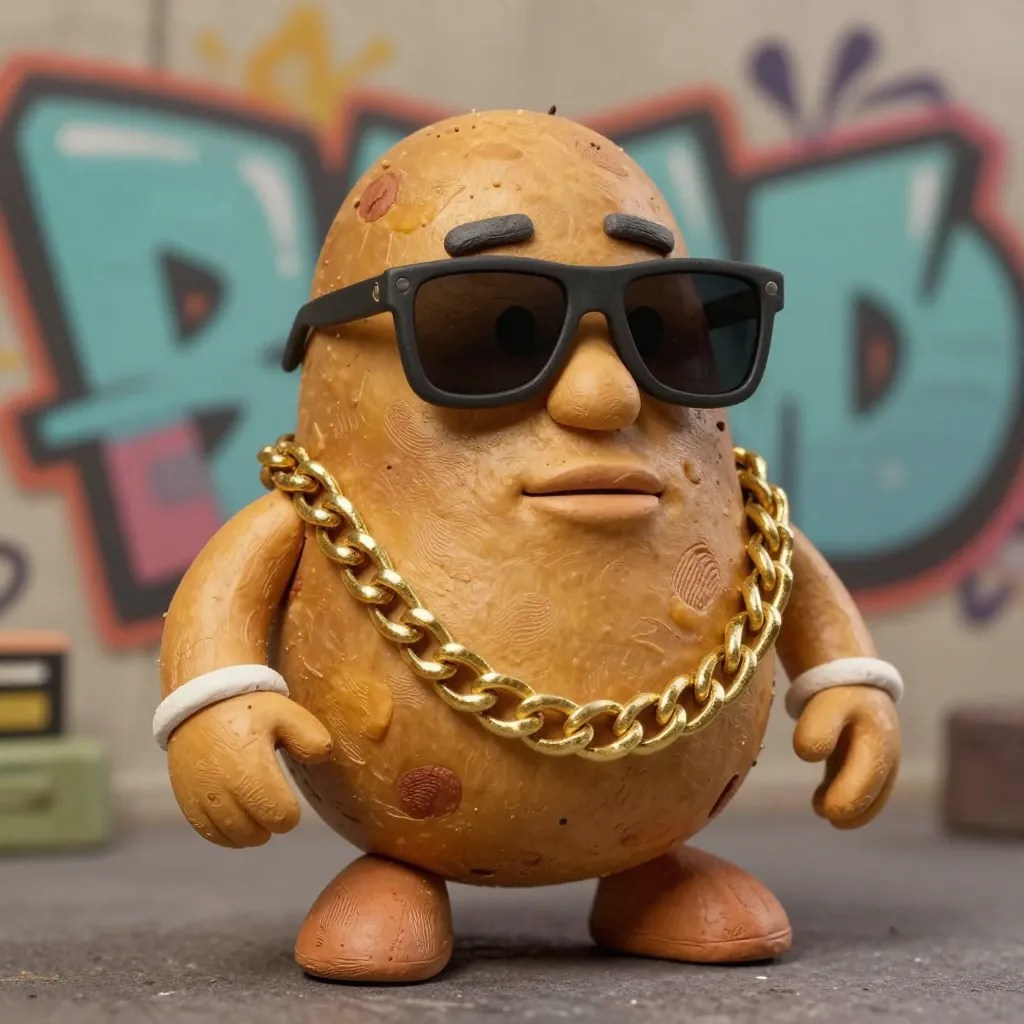
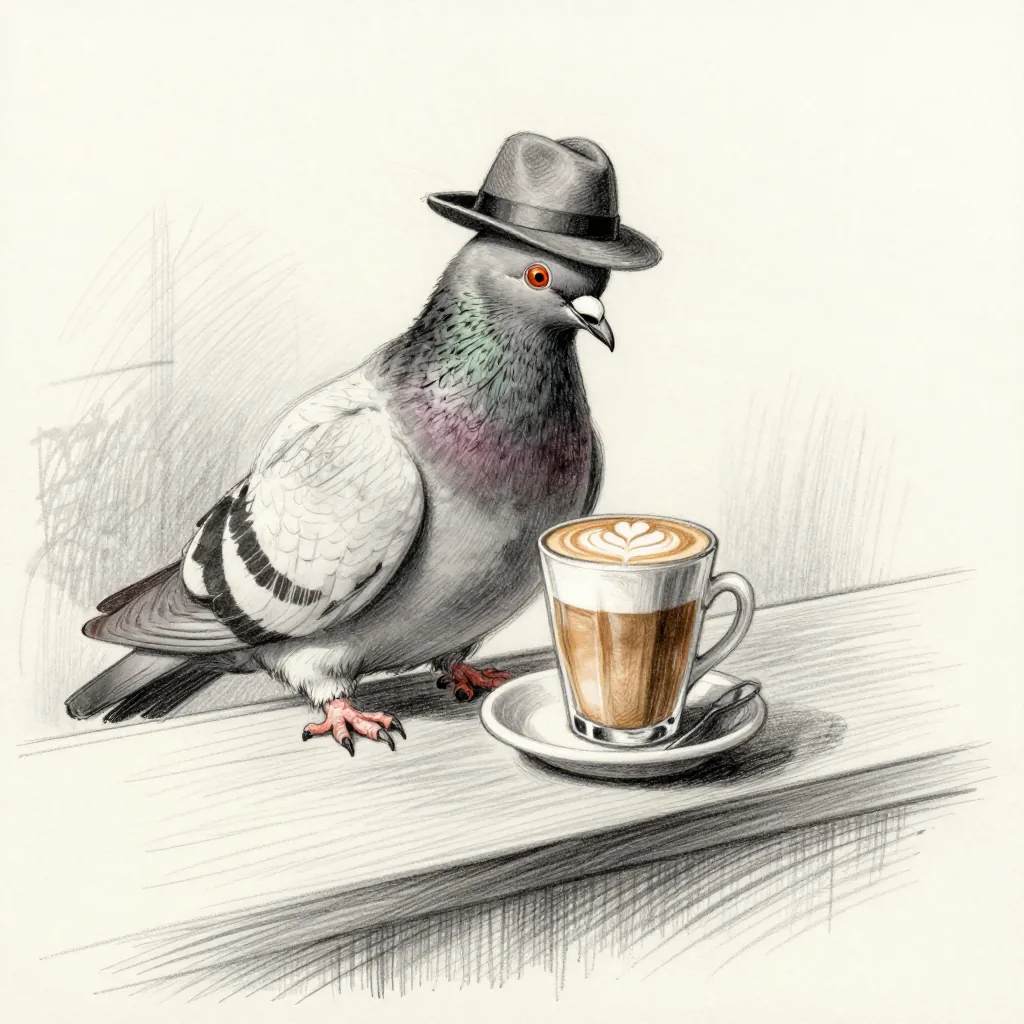
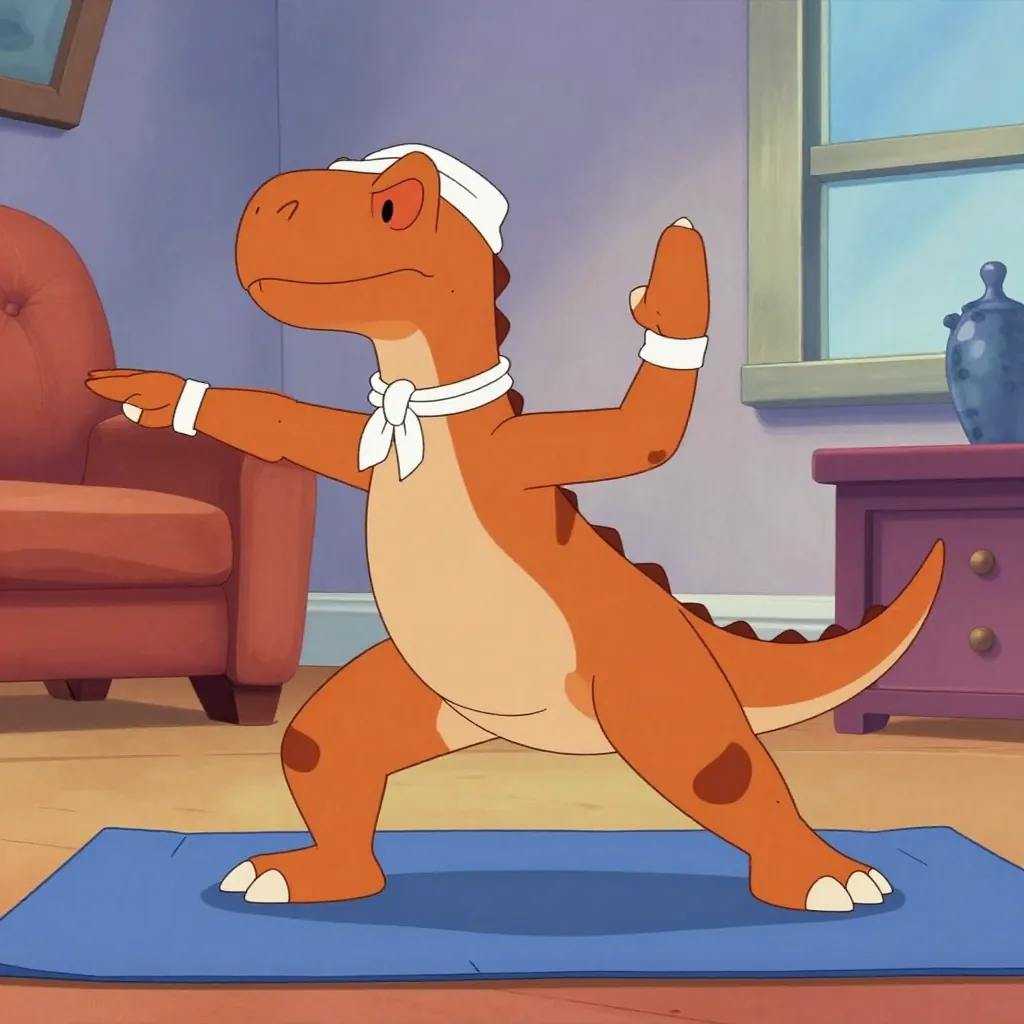
Try it with your own prompt
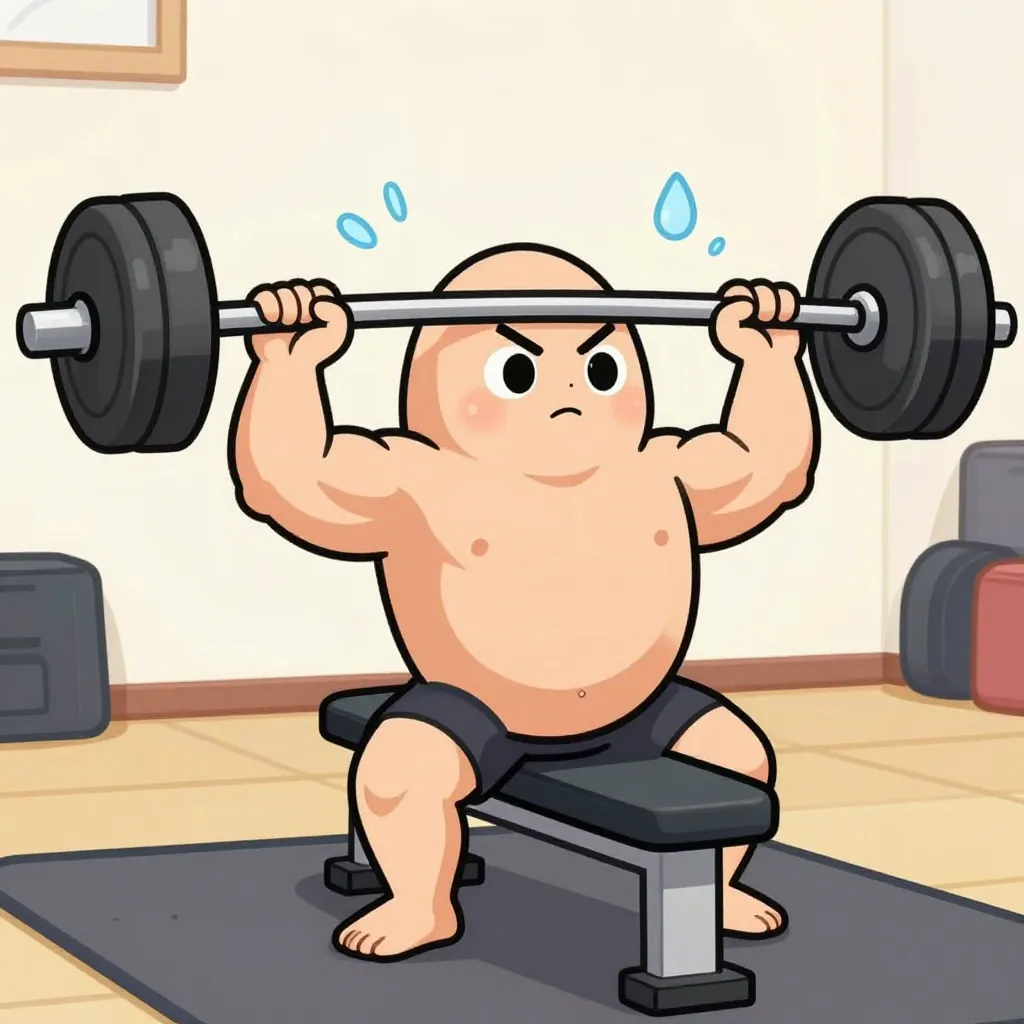
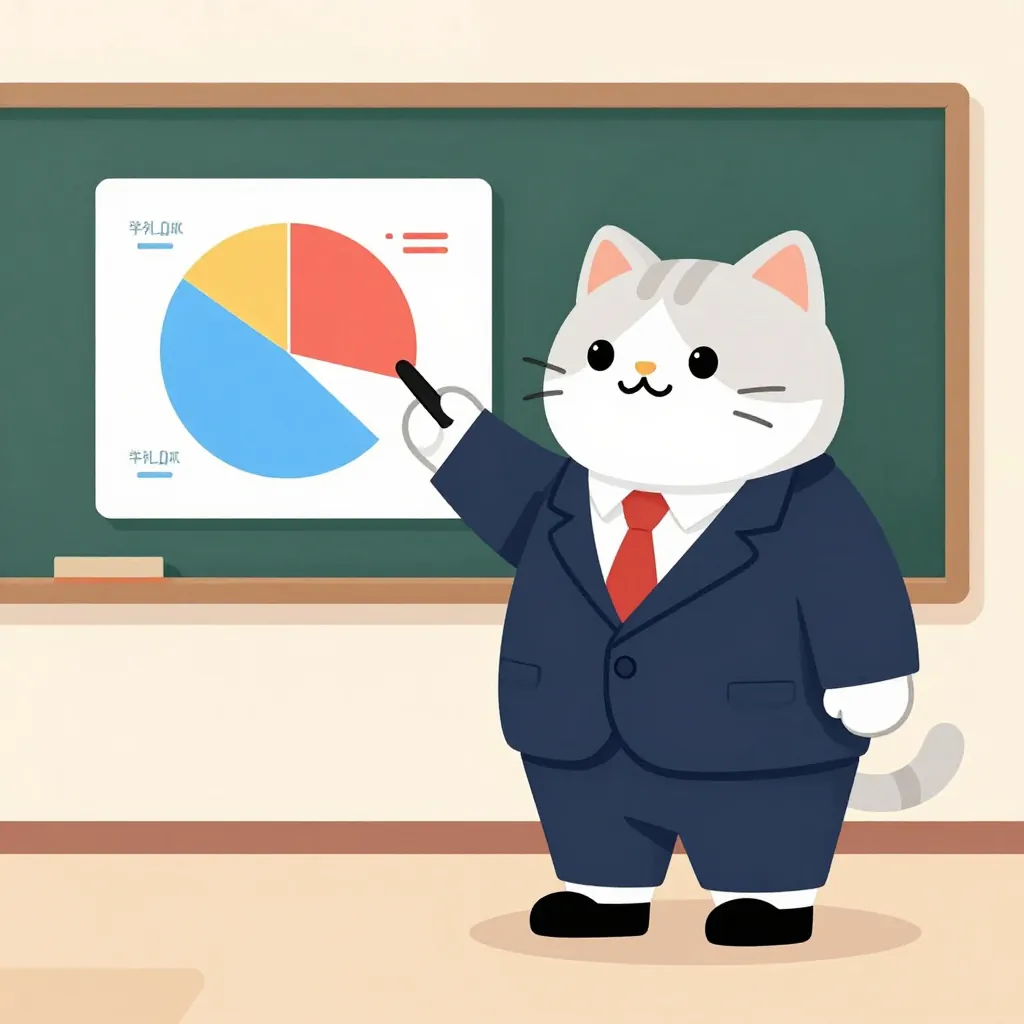
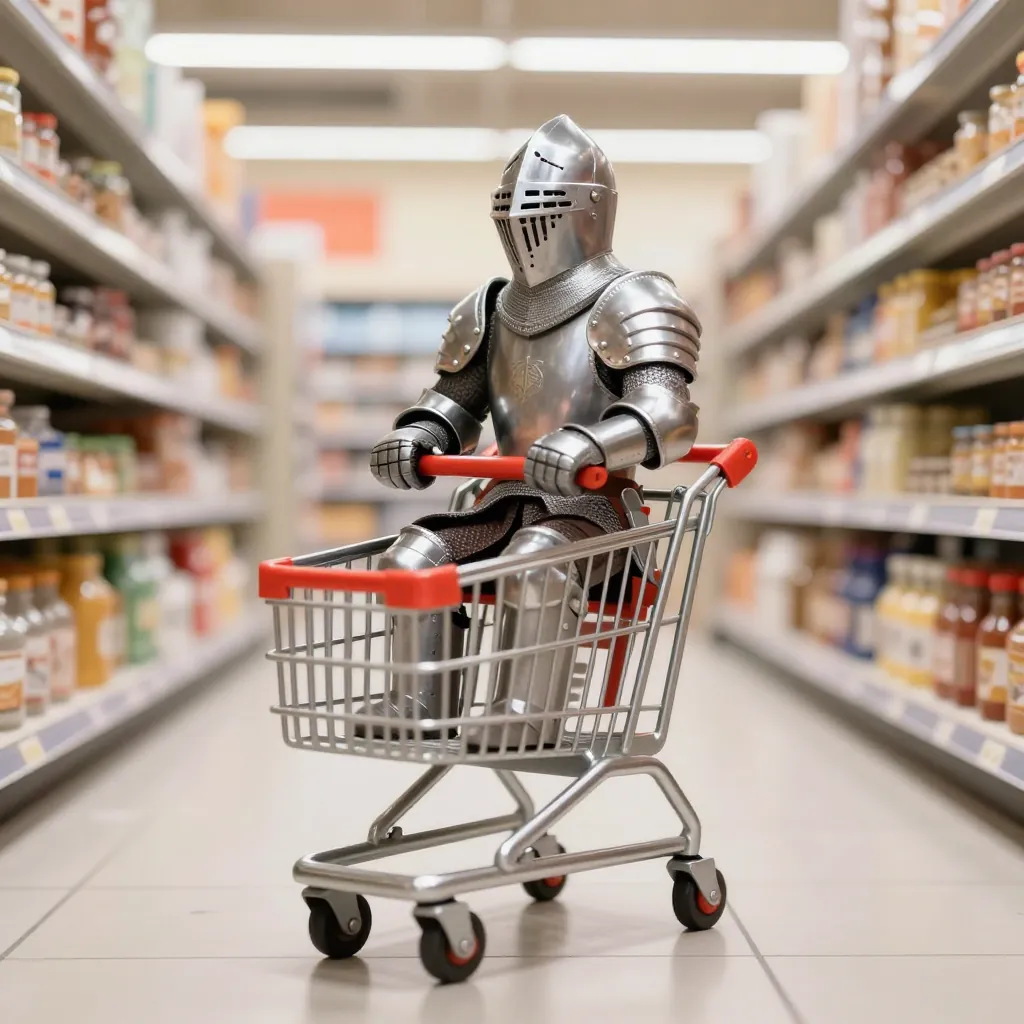
Your image will appear here
12 goofy ahh images, with the exact prompts
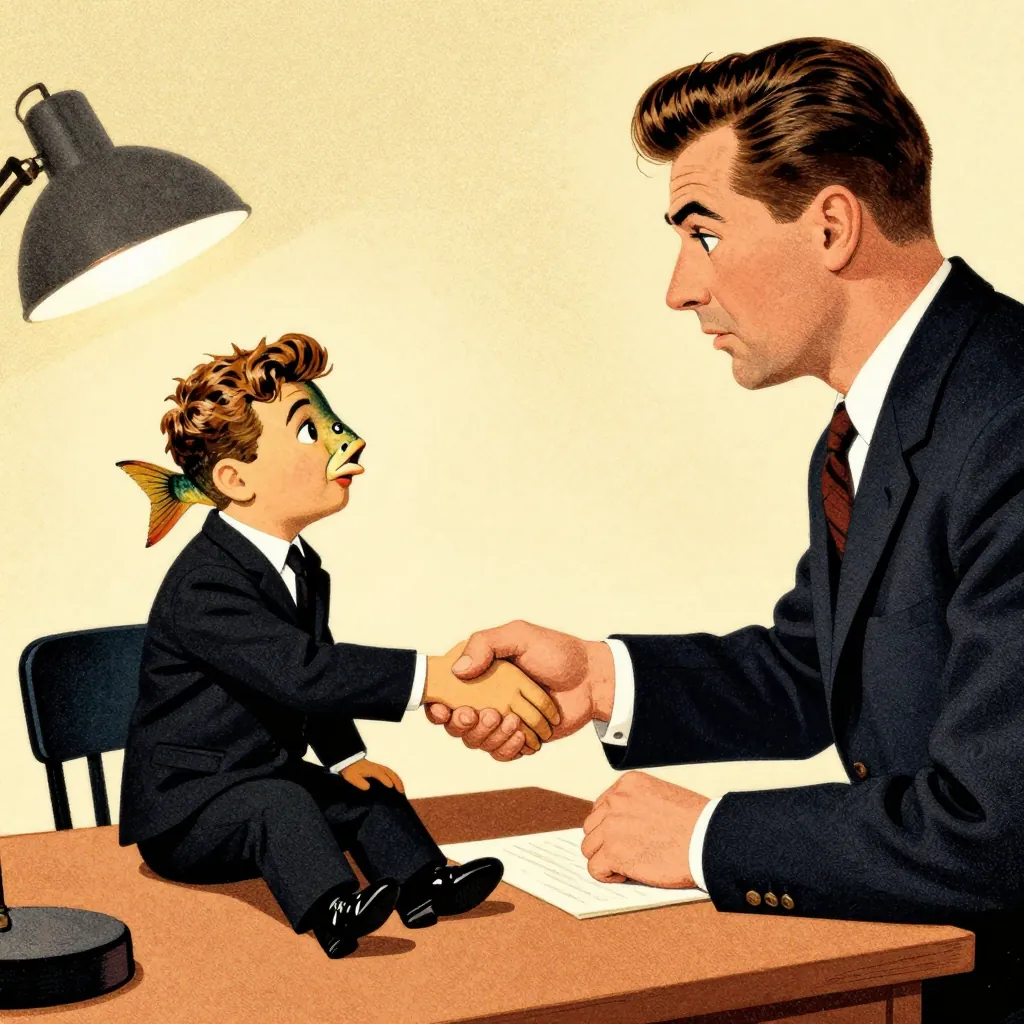
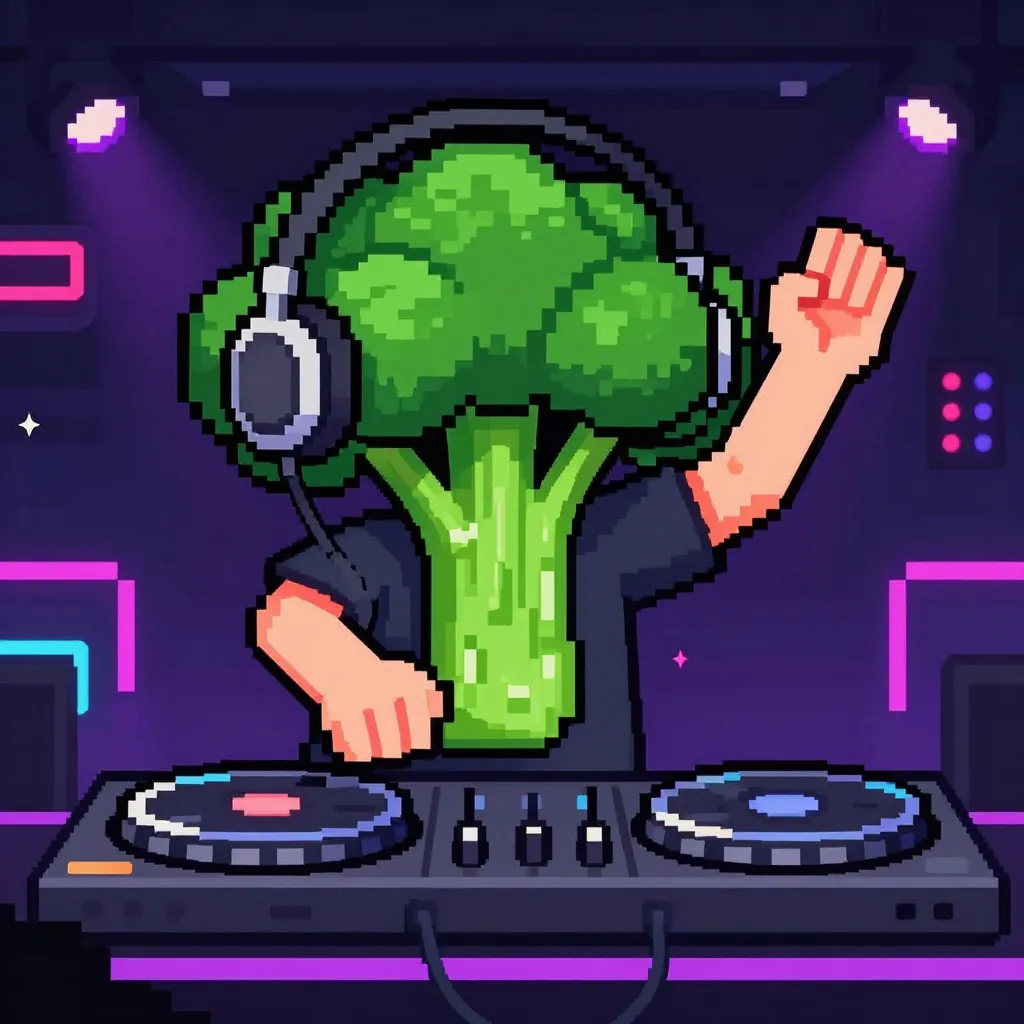
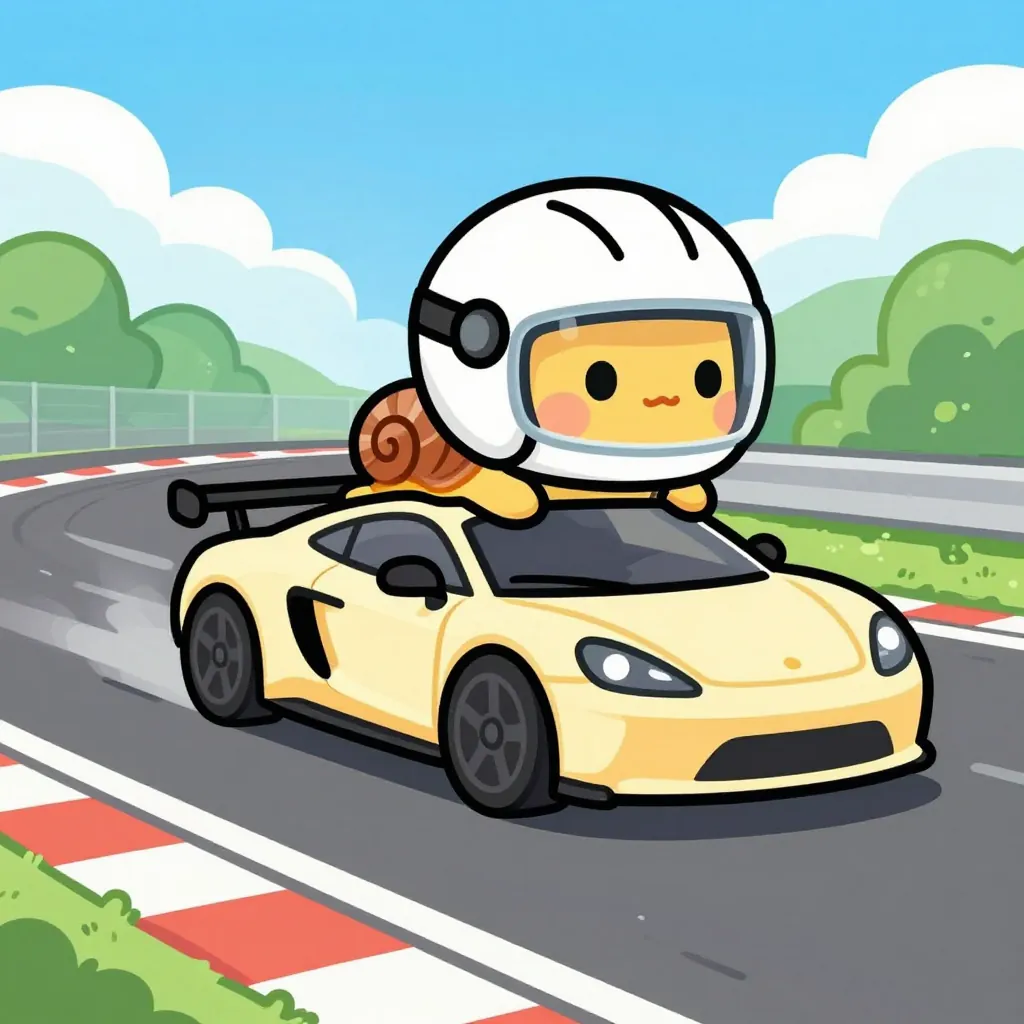
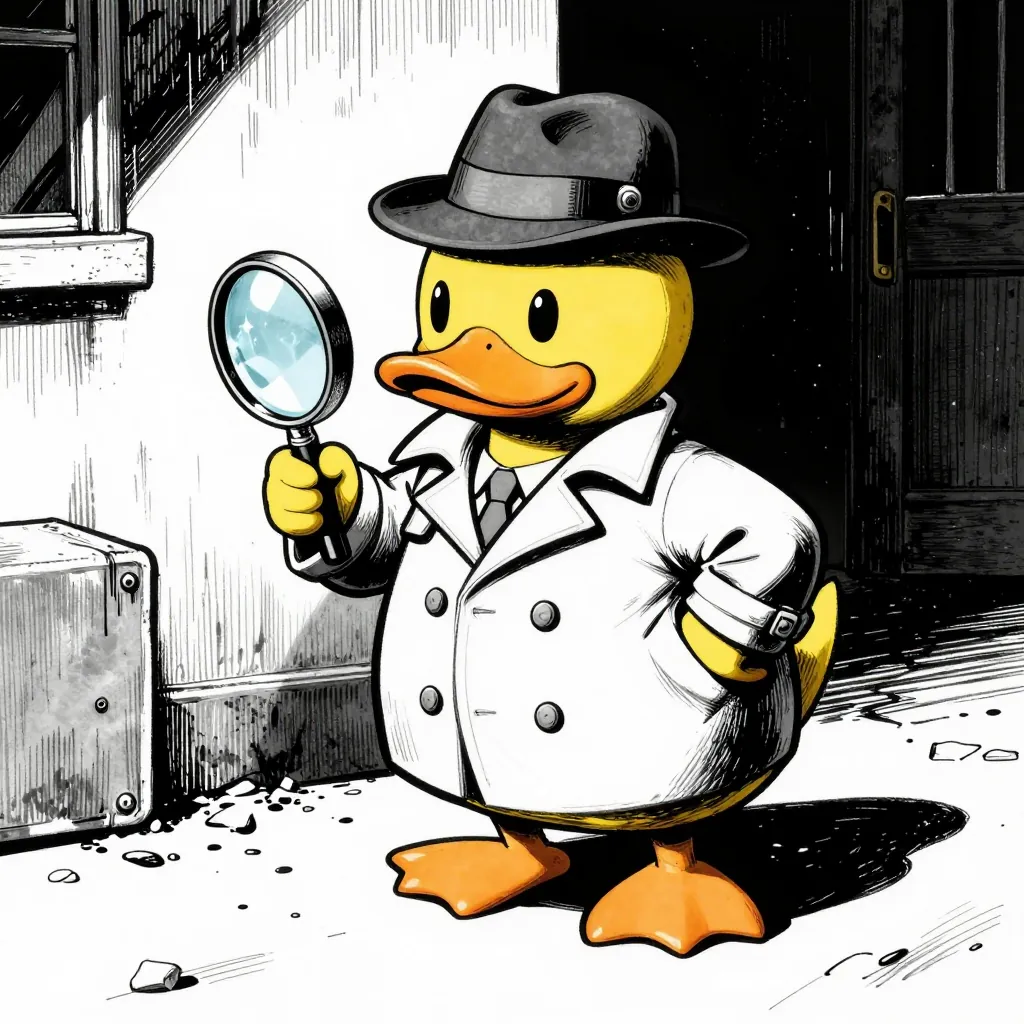
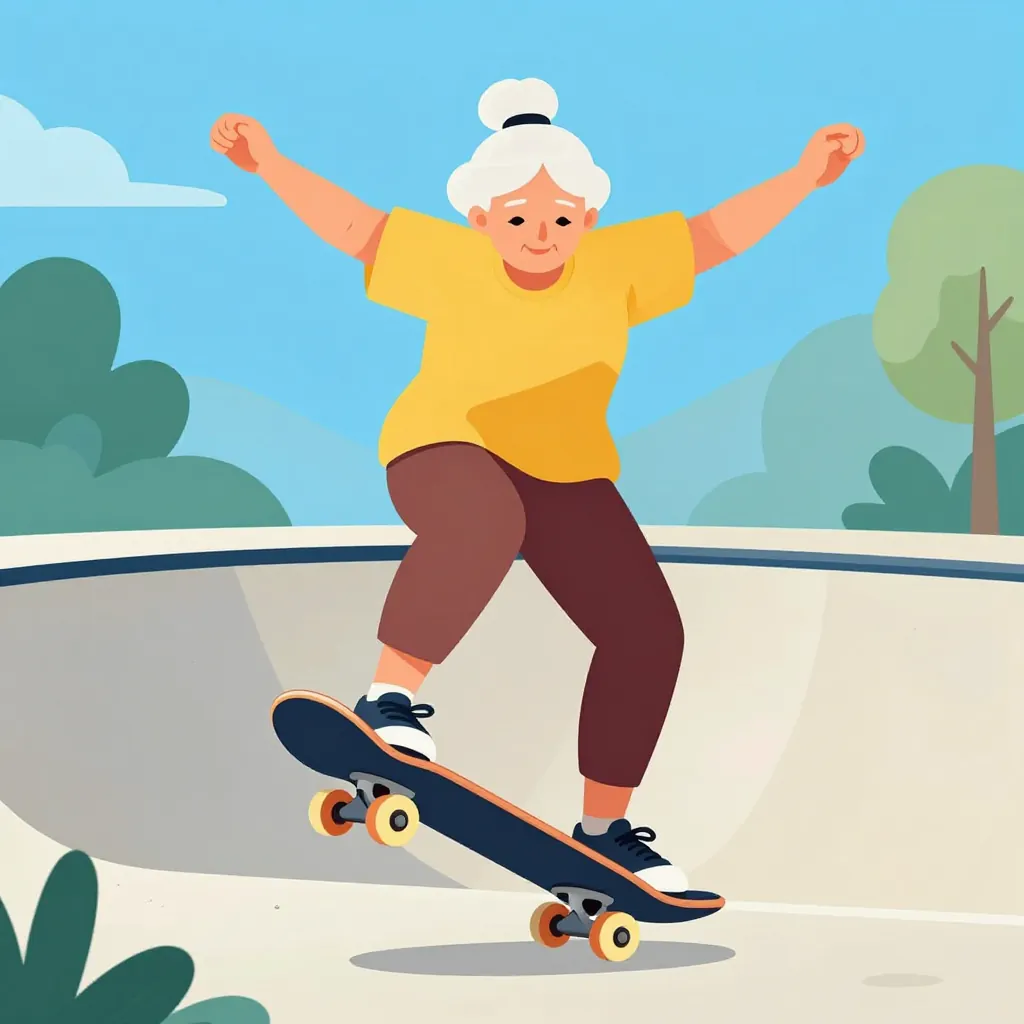
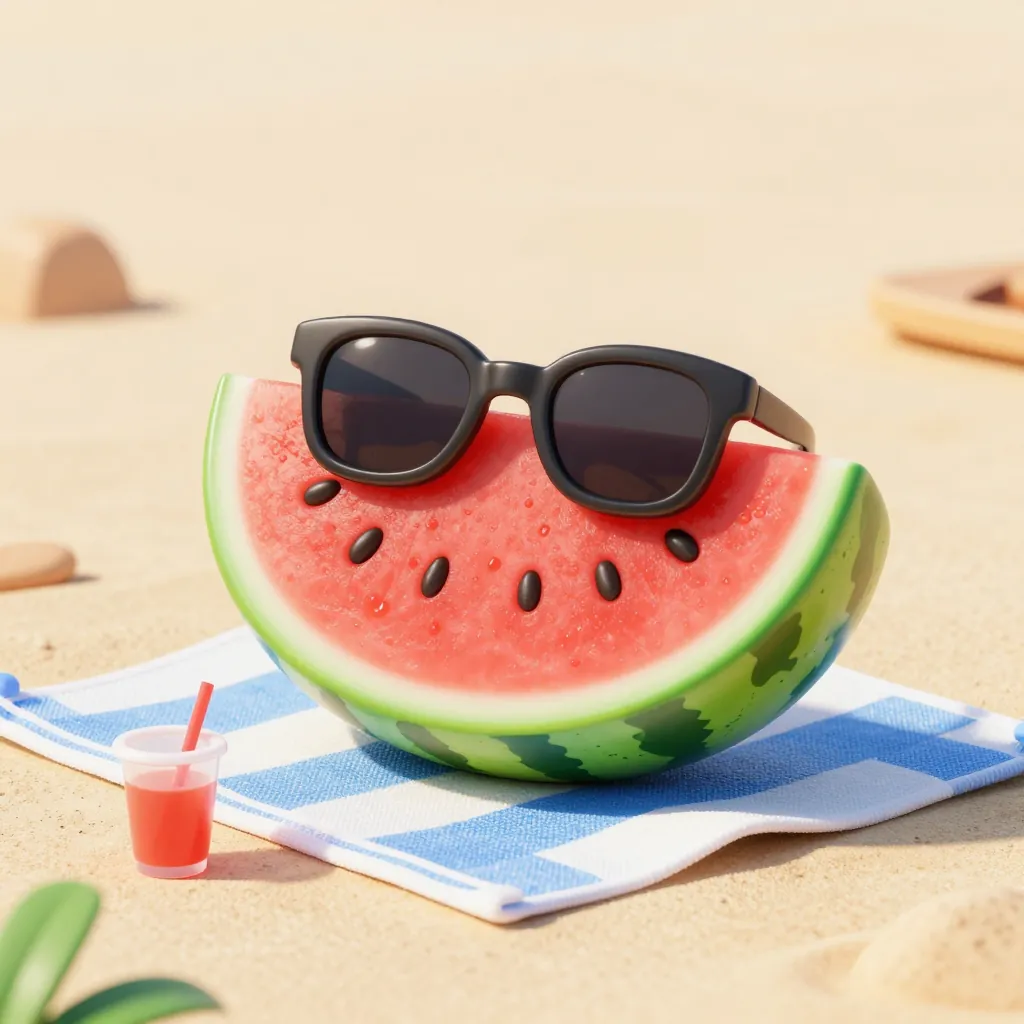
Free to start: signing up gives you 160 credits with no card, and Z-Image costs 10 credits per image — 16 images. Larger image models cost 30 to 60 credits each, so 160 credits covers 2 to 5 of those. After the free credits run out, $9.99 buys 1,000 more (100 Z-Image images).
Every image below was generated with the prompt printed under it. Nothing here is a stock photo or a mockup. Copy a prompt, change one word, and you get a different joke from the same idea.
What a goofy ahh image actually is
"Goofy ahh" started as a way of saying "goofy ass" with the sharper word sanded off. In practice it describes a specific look: a normal subject pushed into an absurd situation, rendered in a bright, slightly unhinged cartoon style.
The subject is ordinary
An egg, a cat, a slice of pizza, a pigeon. The joke works because the starting point is something you would never expect to have muscles, a job, or opinions.
The situation is disproportionate
The egg is bench pressing. The cat is presenting quarterly results. A goofy ahh image is funny because of the gap between what the subject is and what it is doing.
The style is bright and flat
Thick outlines, saturated colors, exaggerated expressions. Photorealism kills the joke — the image has to look like it knows it is silly.
It is meant to be shared
These images live in group chats, comment sections, and thumbnails. They are built to be understood in one second on a small screen.
How to make a goofy ahh image in four steps
No design skills and no prompt engineering background needed. The four steps below are the whole process.
01
Pick an ordinary subject
Choose something that has no business doing anything: a potato, a pigeon, a bowl of cereal, a filing cabinet. The more mundane the subject, the wider the gap you can create.
02
Give it a disproportionate action
Put the subject in a situation that does not fit. Lifting weights, giving a TED talk, driving a car, doing taxes. Write the subject and the action in one sentence: "a pigeon ordering a latte."
03
State the style and the frame
Add "bright cartoon style" and an aspect ratio. Cartoon style keeps the image playful; 16:9 works for thumbnails, 1:1 works for chat and social posts.
04
Generate, then change one thing
The first result is rarely the funniest one. Change a single word — the subject, the action, or the setting — and generate again. That one variable is what makes a prompt reusable.
What people use goofy ahh images for
This is not a style that needs a use case justification — but here is where it actually gets used.
Group chat reactions
A picture of a cat doing taxes communicates "I am done with this week" faster than any sentence you could type.
Video thumbnails
Thumbnail space is tiny. An exaggerated cartoon subject reads clearly even at 120 pixels wide, while a busy photo turns into noise.
Social post visuals
Short posts that would otherwise be plain text get an image that matches their tone — silly, not corporate.
Icebreakers in slides
One absurd image on a title slide does more to wake a room up than a stock photo of people shaking hands.
Goofy ahh images FAQ
Is the goofy ahh images generator free?
Yes, up to a point. Signing up gives you 160 credits and no card is required. On Z-Image that is 16 images at 10 credits each, which is enough to make a full set of goofy images for free. Larger image models cost 30 to 60 credits per image, so 160 credits covers 2 to 5 of those. Once the free credits run out, $9.99 buys 1,000 more — 100 images on Z-Image.
What does "goofy ahh" mean?
It is a softened way of saying "goofy ass", used online since around 2021 to describe something absurd or unintentionally ridiculous. As an image style it means a normal subject placed in an exaggerated situation, drawn in a bright cartoon look — the visual equivalent of a sentence that starts with "bro".
Can I use goofy ahh images commercially?
You own what you generate on VidAndPic and can use it in your own projects. Two limits apply: do not build the prompt around a real person's name or likeness, and do not reproduce a copyrighted character. Both are also restricted by the upstream models and will sometimes be refused at generation time.
What is the difference between goofy ahh images and goofy AI images?
They describe the same output. "Goofy ahh images" is the informal, meme-native phrasing; "goofy AI image" is how people search when they are looking for a tool rather than a picture. Both lead to the same prompt style and the same results, which is why this page covers both.
Do I need to sign up to make one?
Yes. Generation runs against your credit balance, so you need an account to hold credits and to keep your images. Sign-up takes one click with Google, and you are not asked for a card until you choose to buy credits.
What image sizes can I get?
16:9 for video thumbnails and banners, and 1:1 for chat and social posts are the two ratios worth knowing. Most image models on the platform expose both, and the ratio is picked in the generator before you generate, not after.
How do I write a good goofy prompt?
Use four parts in this order: subject, action, setting, style. "A pigeon (subject) ordering a latte (action) at a cafe counter (setting), bright cartoon style (style)." Leaving out the style is the most common mistake — without it the model drifts toward photorealism, which flattens the joke.
What art styles can I get?
Z-Image responds best to a handful of explicitly named looks: bright cartoon, flat vector, pencil sketch, 3D toy render, and 1990s Saturday morning animation. Naming the style in the prompt does more work than describing the subject — the same pigeon written as "flat vector" and as "photorealistic" produces two completely different jokes. When you leave the style out, the model drifts toward a clean but slightly plastic look, which is exactly the default you see on most AI image tools.
How long does one image take?
On Z-Image a single image typically comes back in a few seconds, and the page shows live progress while the request runs. If a generation fails, the credits are returned automatically, so you are only charged for images that actually finish. That makes iterating cheap: you can change one word of the prompt and run it again without worrying that a failed attempt silently burned your free balance.